bibtui
A quiet, powerful home for your references.
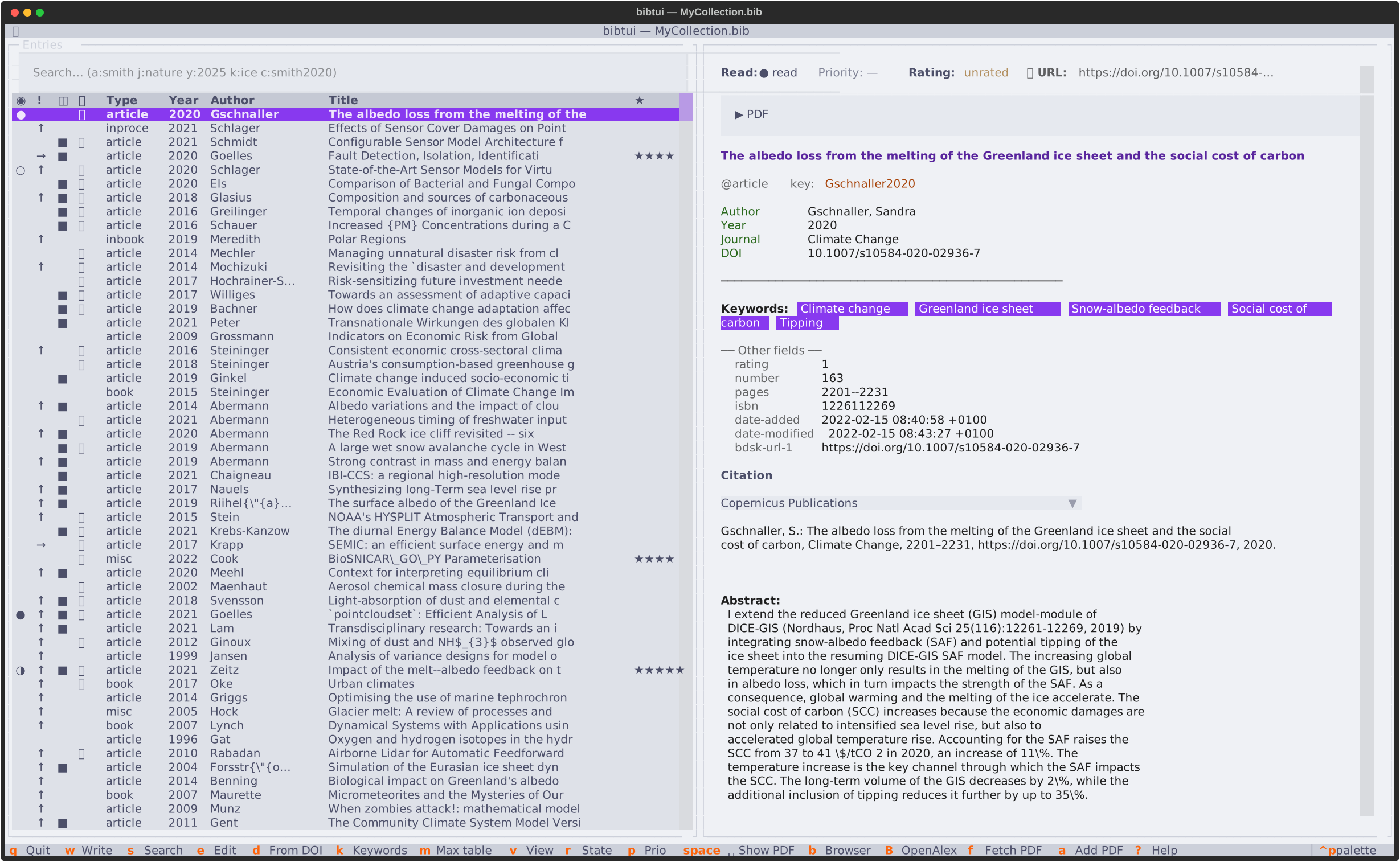
bibtui is a fast, keyboard-driven terminal app for researchers who work with
BibTeX. Open your .bib file, search thousands of references instantly, fetch
open-access PDFs with a single keystroke, and keep track of what you've read —
all without leaving the terminal. No database, no sync daemon, no account.
Mouse-friendly, keyboard-fast
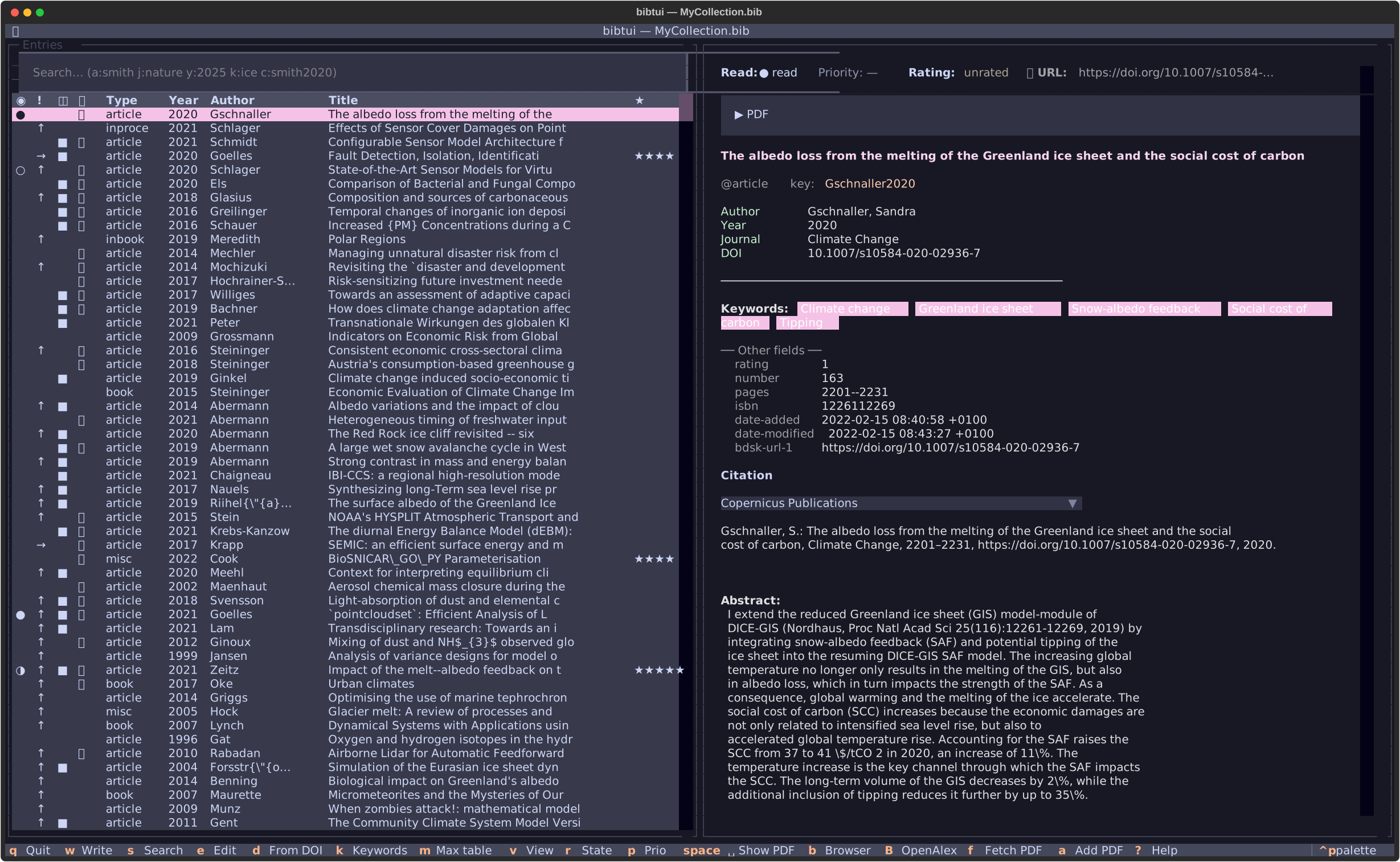
bibtui works just as well with the mouse alone — click rows, scroll, select text, and click column headers to sort. Learn a few key bindings to move through a large library faster.
What bibtui does
-
Find anything, instantly
Search across title, author, journal, keywords and cite key as you type. Use field prefixes like
a:,t:,k:andy:to narrow down a library of thousands in milliseconds. -
Download PDFs automatically
One keystroke fetches the open-access PDF from arXiv, Copernicus, OpenAlex or Unpaywall — and links it to the entry. Run it across your whole library to fill in everything that's missing, then copy a PDF to your clipboard to email it or hand it to an LLM.
-
Organise with keywords
Tag entries, toggle keywords on and off, and filter your library by topic. Track read state, priority and star ratings to keep on top of your reading.
-
Built for collaboration
Your library is a plain
.bibtext file — perfect for Git. Share a reference collection with your group, review changes, and merge contributions the same way you do with code.
Your .bib file stays the source of truth
bibtui never hides your data in a proprietary database. It reads and writes the
same plain-text .bib file you already use with LaTeX or Typst, and follows
JabRef conventions for file links and metadata — so you can keep using your
existing tools alongside it. Every save writes a backup first.
You don't even have to write LaTeX or Typst. bibtui is just as handy for keeping your PDFs organised and copying a ready-made citation in any style — straight onto the clipboard, ready to paste into a manuscript, an email, or a web form.
That means bibtui works anywhere your terminal does: on your laptop, over SSH on
an HPC cluster, or on a colleague's machine. It installs in under a second with
uv and needs no setup to get going.
See it in action
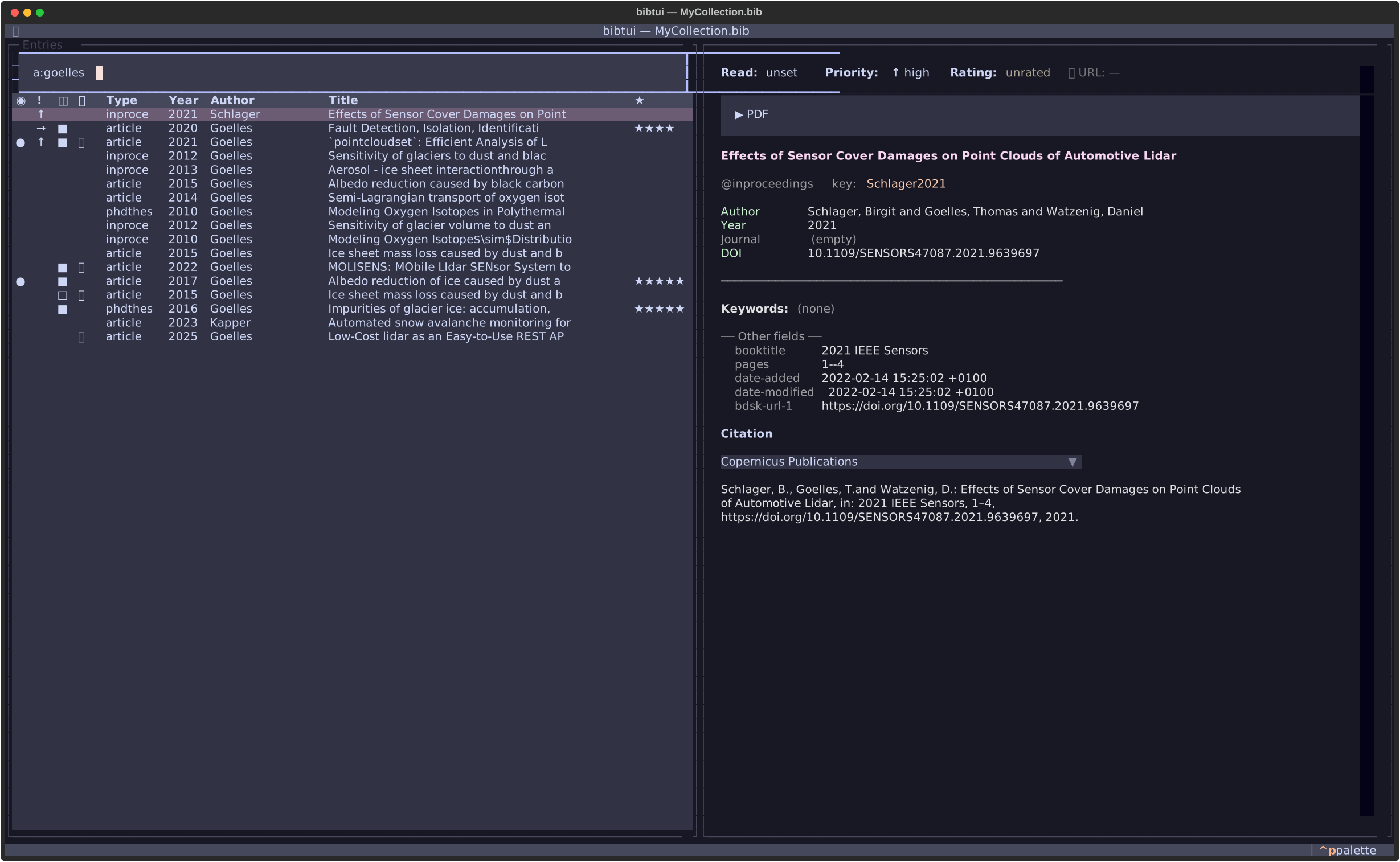
Type a:goelles to instantly narrow a large library to one author's work.
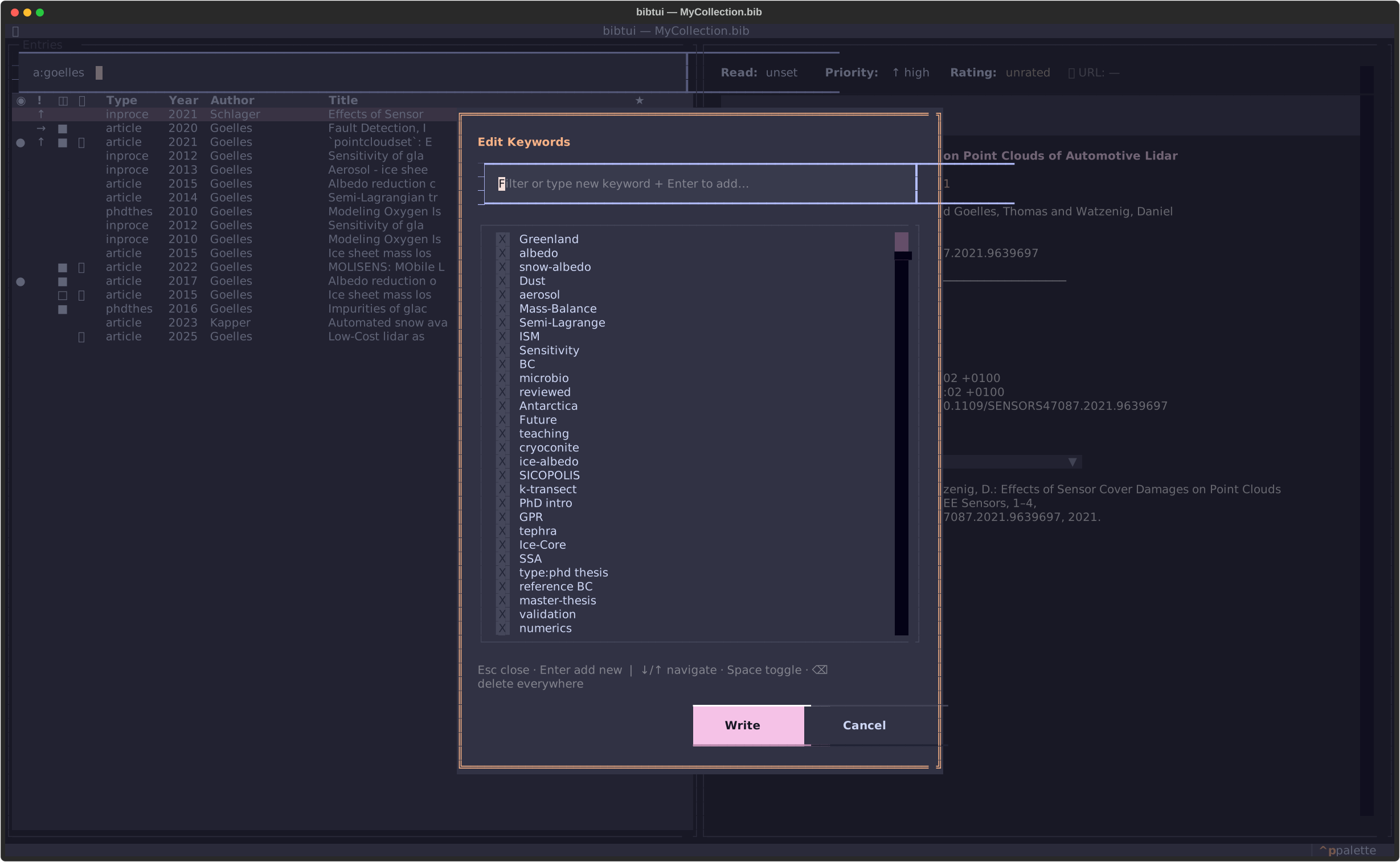
Tag entries and toggle topics on and off from the keywords editor.
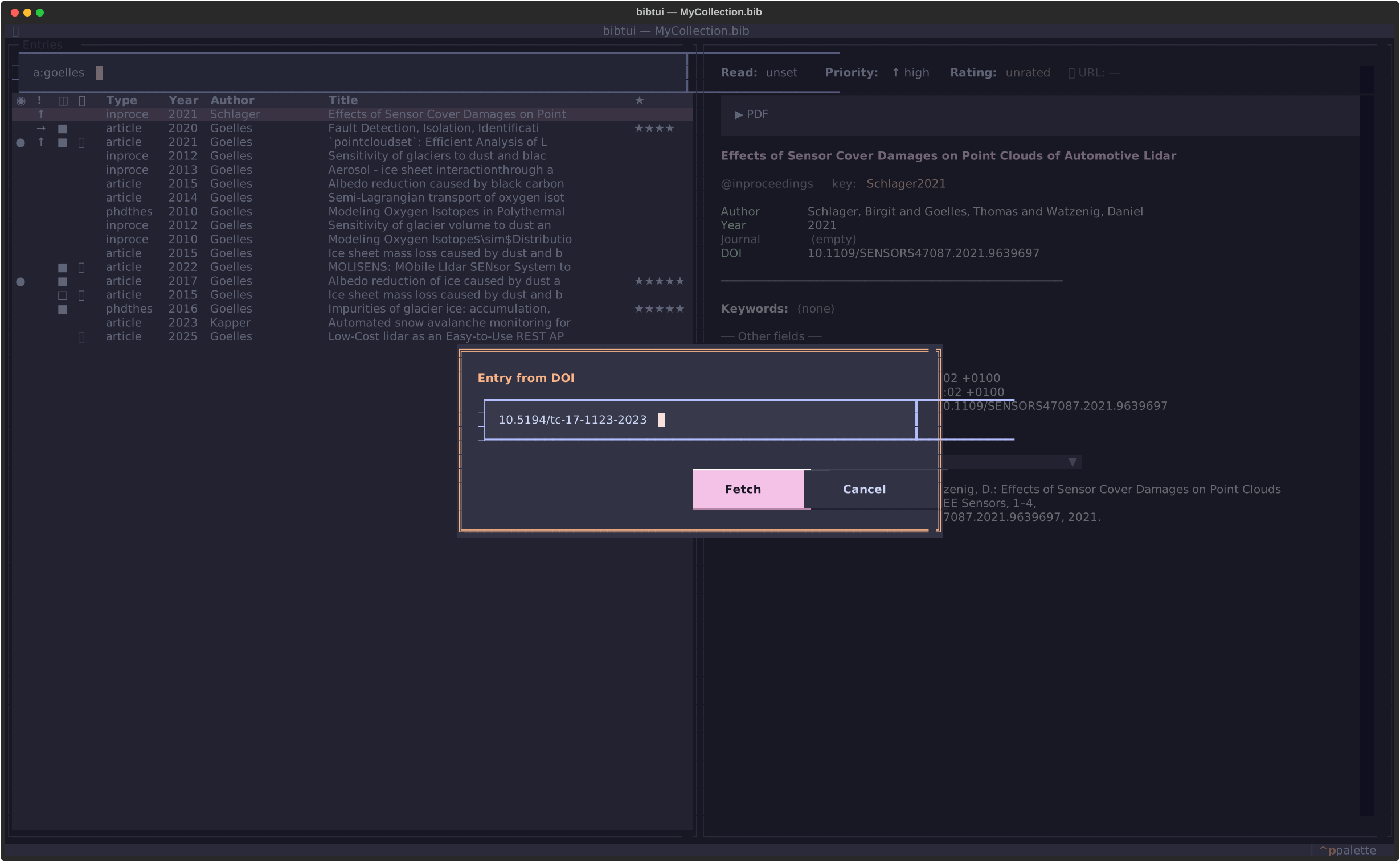
Paste a DOI and bibtui fetches the full metadata for you.
Full Textual theming — Catppuccin, Nord, Dracula, Gruvbox and more. bibtui also integrates with Omarchy: it picks up your active desktop theme automatically and follows along live when you switch.
Quick start
# Run without installing — opens the built-in file browser
uvx --prerelease=allow bibtui

# Or open a specific library directly
uvx --prerelease=allow bibtui myrefs.bib
Ready for more? Head to the installation guide or jump straight into getting started.