Configuration
bibtui keeps its settings in a single file at:
~/.config/bibtui/config.toml
You normally never edit it by hand — change everything from the Settings screen inside the app.
The settings screen
Open the command palette with Ctrl+P and choose Settings.
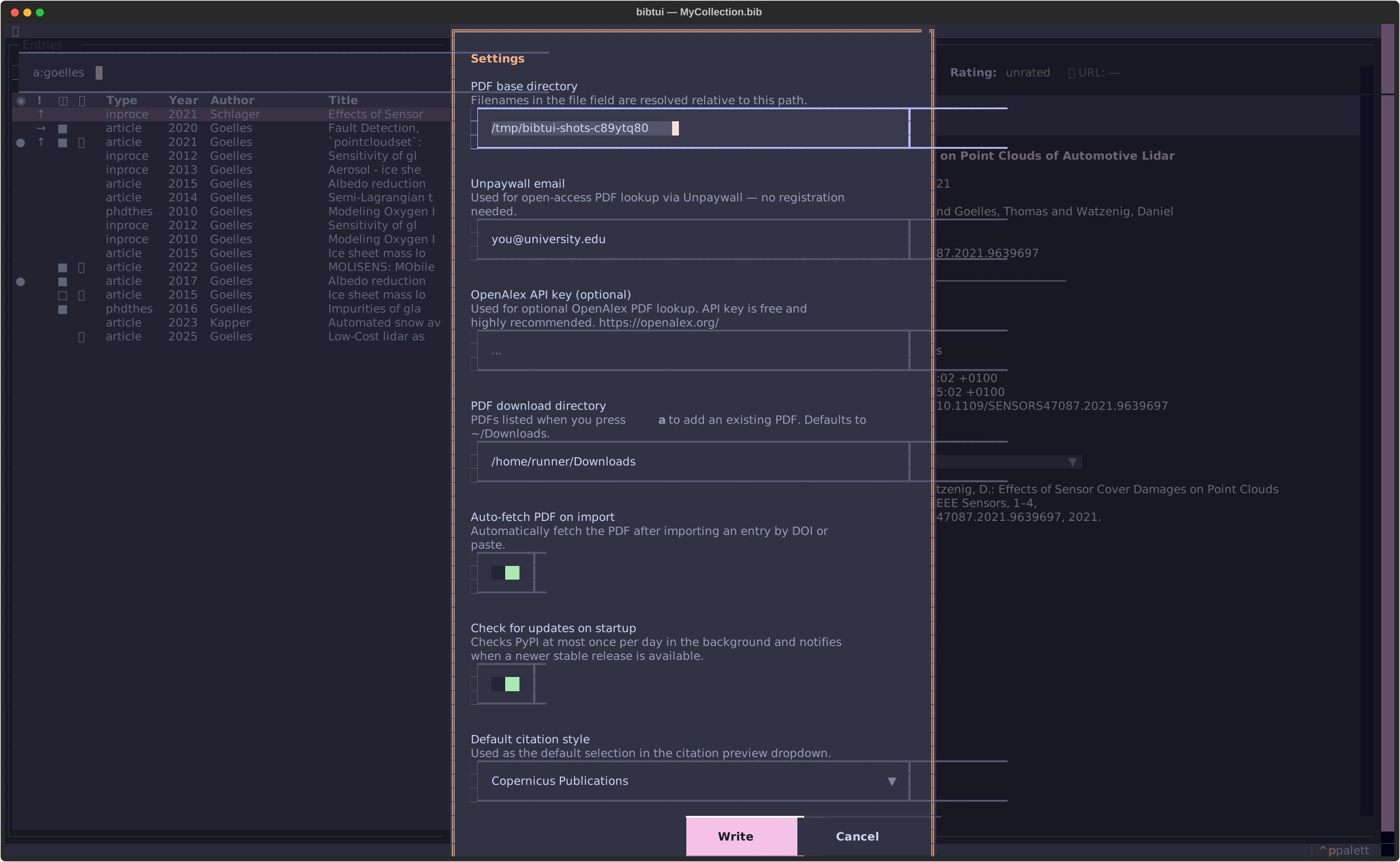
| Setting | What it does |
|---|---|
| PDF base directory | Where fetched and attached PDFs are stored, and where links resolve. |
| Unpaywall email | Used only for rate-limiting Unpaywall requests — no account needed. |
| OpenAlex API key | Optional. OpenAlex is always free; a free API key raises your daily request limit. |
| PDF download directory | The folder bibtui browses when you attach an existing PDF (p then a). |
| Auto-fetch PDF on import | When on, bibtui automatically fetches the PDF after you import an entry by DOI or paste (if it has a DOI/URL and a PDF directory is set). |
| Check for updates on startup | When on, bibtui checks PyPI once a day for a newer release. |
| Default citation style | The default CSL style for the citation preview and Shift+C. |
Save with Ctrl+S.
Table columns
You can choose which columns the entry table shows, and in what order. Open the command palette with Ctrl+P and choose Table: Configure columns.
The panel lists every available column. Alongside the built-in columns (read
state, urgency, PDF, URL, type, year, author, journal, title, added, rating)
and an optional cite key column, it offers a column for any BibTeX field
found in your library — bibtui discovers these by scanning the whole .bib
file, so fields like doi, keywords, volume, or publisher can all become
columns.
| Key | Action |
|---|---|
| Enter / x | Show / hide the highlighted column |
| Shift+↑ / ↓ | Move the highlighted column up / down |
| ▲ / ▼ buttons | Move the highlighted column up / down |
| Reset | Restore the default layout |
| Ctrl+S | Save |
Shown columns are ticked with an X, like in the keyword picker. Your layout
is saved to config.toml (under [ui] table_columns) and applied immediately,
so it persists across restarts.
The Title column always stretches to fill the remaining width — it's widest
in the maximized Max table view (m).
Saved filters
Named, saved searches — see Saved filters for how to use them day to day. They're kept separately from the rest of your settings, at:
~/.config/bibtui/filters.toml
You don't normally edit it by hand — create and manage filters from the f menu inside the app — but it's a small, readable file:
active = "Project X"

[[filter]]
name = "Project X"
query = 'k:sepp y:2010-'

[[filter]]
name = "To read"
query = "r:to-read"
active is the filter restored on the next start (empty means none).
query is a query in the same syntax as the search box — see
Field prefixes. Filters apply to every
.bib file you open, not just the one they were created from.
List/detail split
Press < / > to grow or shrink the detail pane in 5%
steps (between 20% and 80% of the window). The split is saved to config.toml
(under [ui] detail_panel_percent) and restored on the next start. It only
applies to the side-by-side layout — in narrow terminals, where the panes stack
vertically, both always span the full width.
Themes
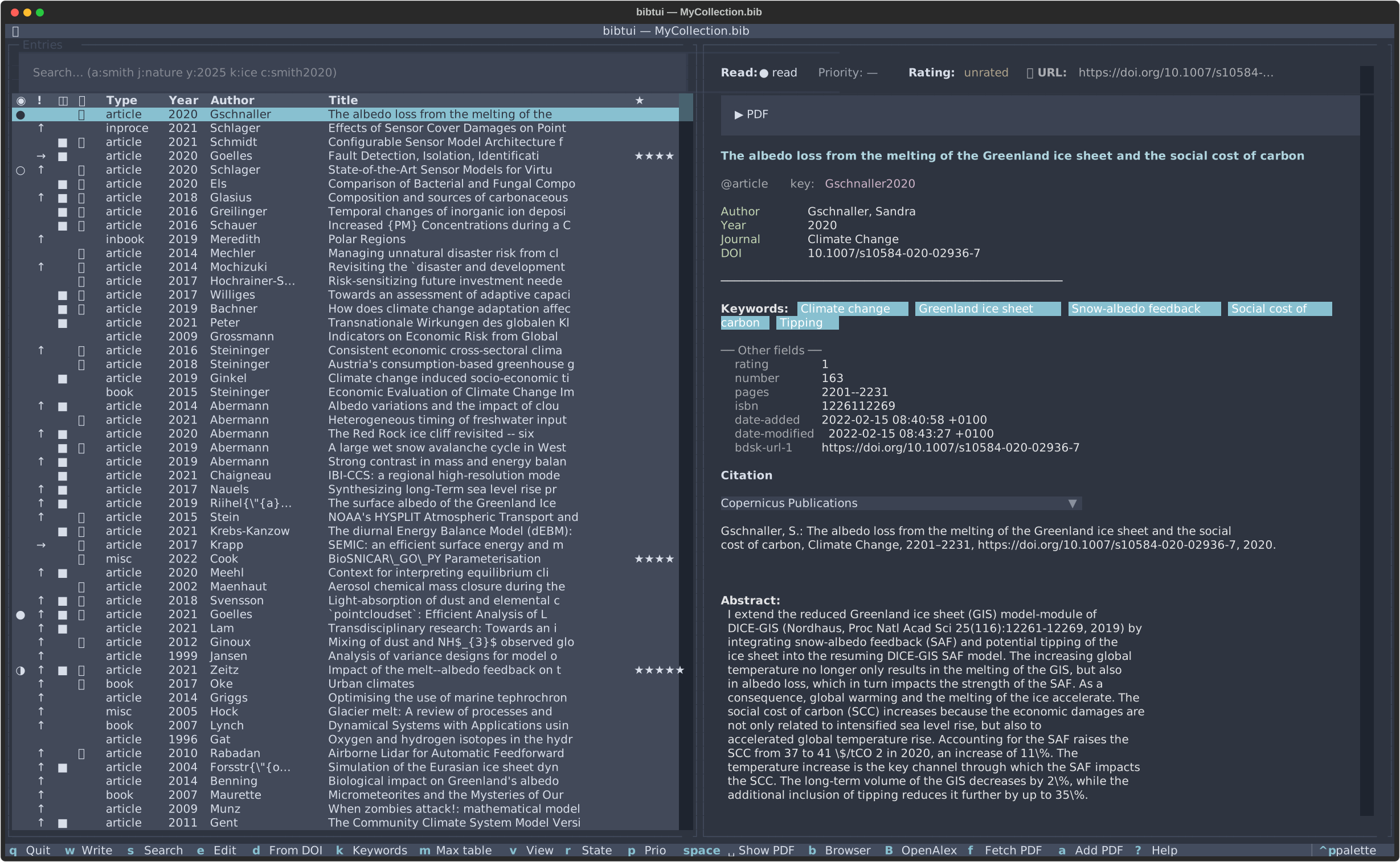
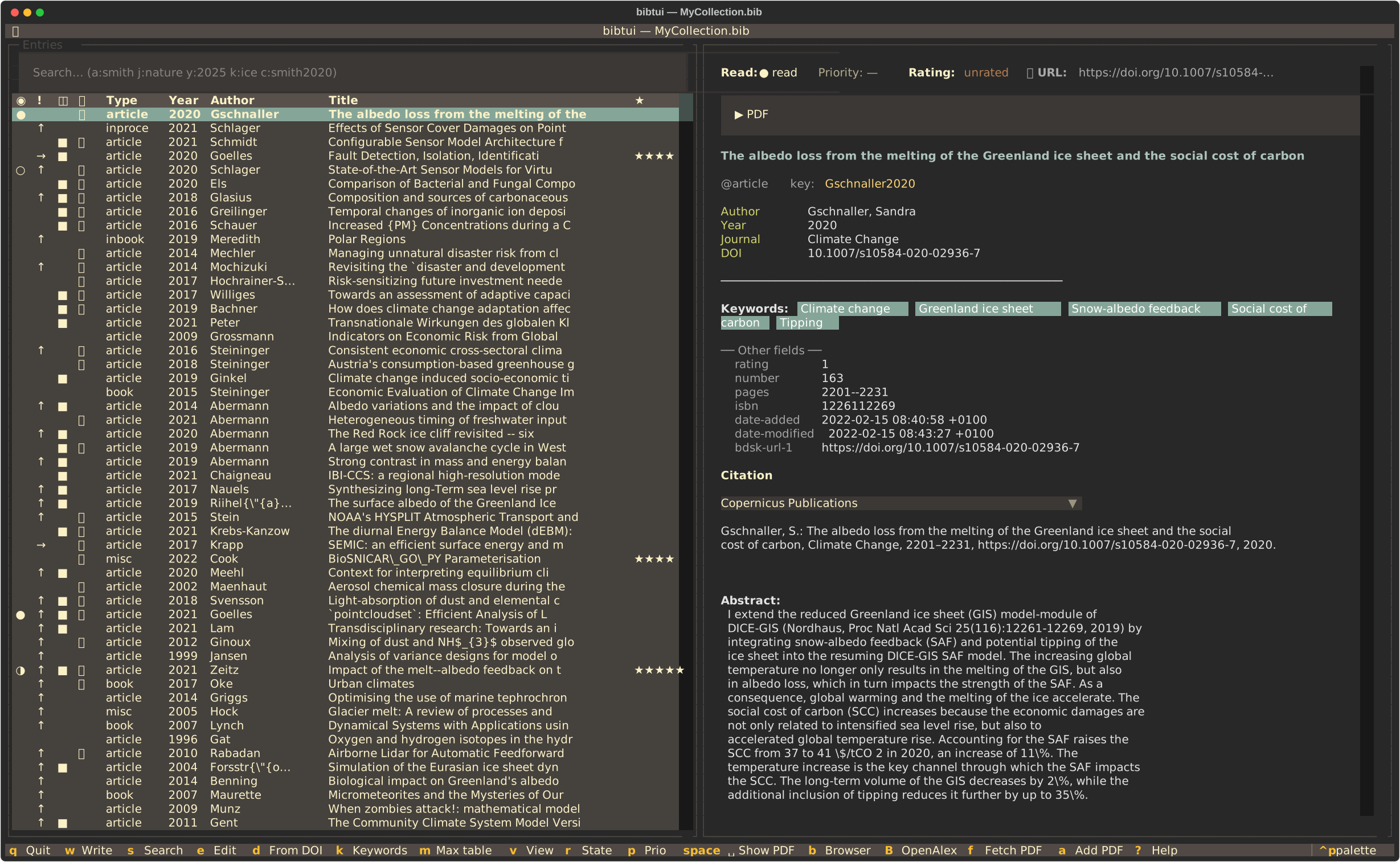
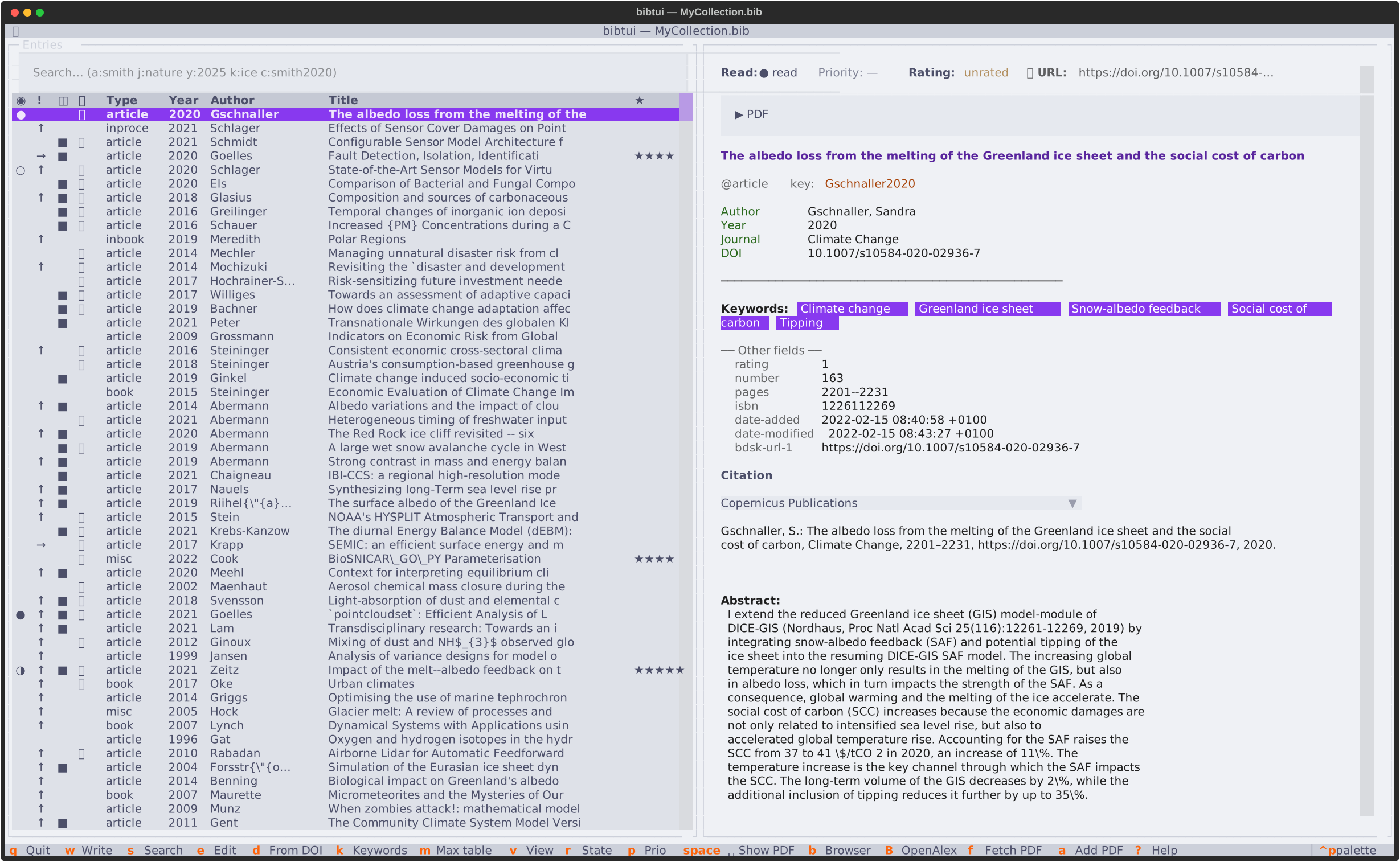
bibtui supports the full range of Textual themes — Catppuccin, Nord, Dracula, Gruvbox, Tokyo Night and more — selectable from the command palette.
Automatic desktop theming (Omarchy 4)
If you run Omarchy 4, bibtui reads your active
desktop theme's palette (~/.local/state/omarchy/current/theme/colors.toml)
and builds a matching theme from it — background, accent, surfaces and the
light/dark mode all follow your desktop, updating live within a couple of
seconds when you switch themes with omarchy-theme-set or the theme menu.
Omarchy 3 (which kept its theme under ~/.config/omarchy) is not supported;
on it bibtui falls back to its default theme.
Pick a theme manually at any time and bibtui remembers your choice; reset it from the command palette (Theme: Reset to auto) to follow Omarchy again.
Citation styles (CSL)
bibtui loads citation styles from:
~/.config/bibtui/csl/
On first run it seeds this folder with common defaults:
copernicus-publications— Copernicus / EGU journalsapa— psychology, social sciences, educationieee— engineering, computer sciencevancouver— medicine / biomedicalchicago-author-date— humanitiesharvard-cite-them-right— common across Europe and Australia
To add more, download .csl files from the
Citation Style Language repository
and drop them into that folder. They'll appear in the style picker.